Code Blog
CATEGORIES

How to make a Squarespace Archive Block dropdown full width
Learn how to make a Squarespace Archive Block dropdown full width with a simple CSS snippet. Fix narrow blog category menus and improve dropdown usability.
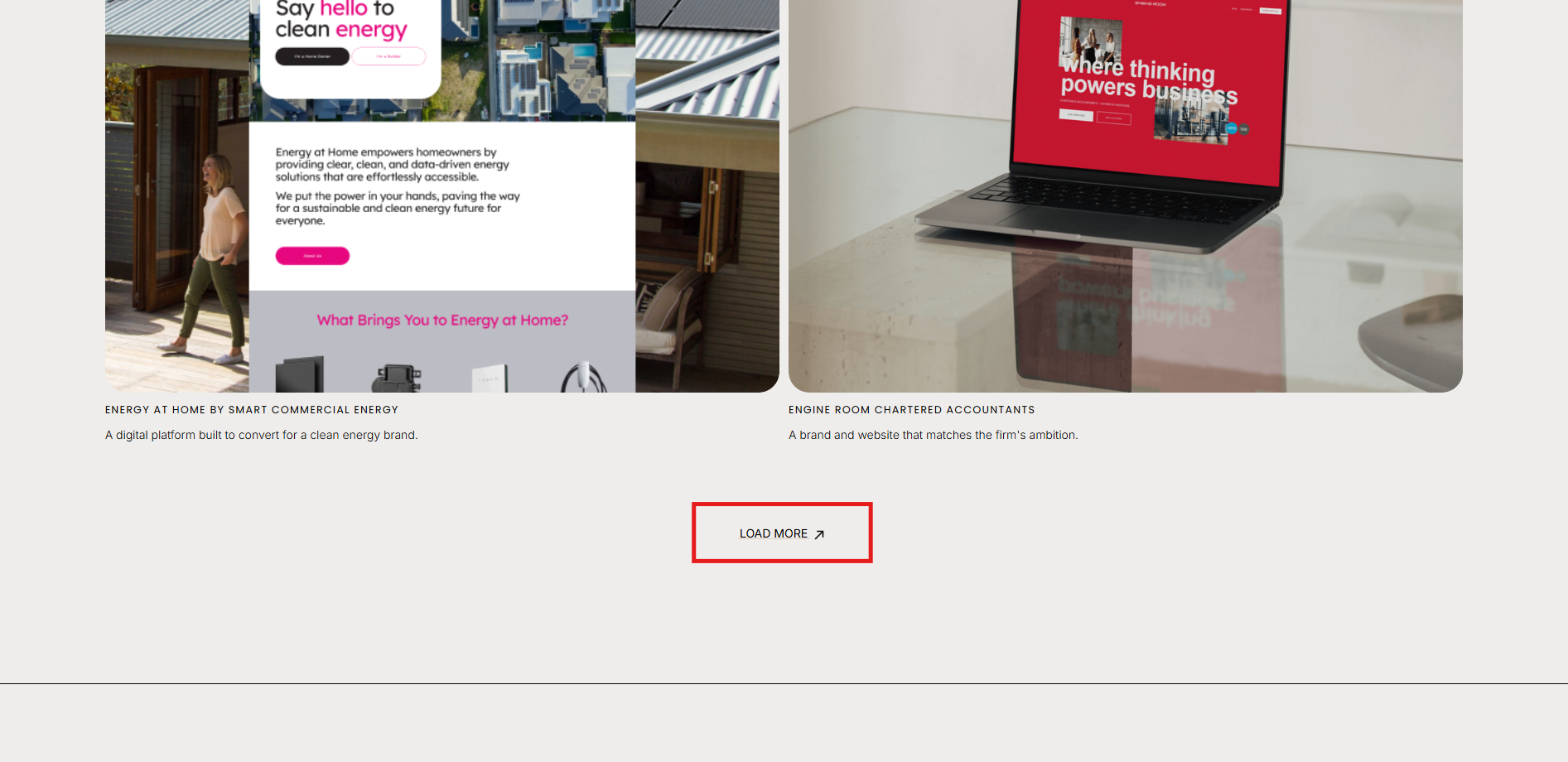
Show / Hide a Portfolio Section when a link or button is clicked
How to show / hide / reveal a Portfolio Section when you click a link or button in Squarespace. This code works when you cannot use the Anchor links functionality.

Full page image slider carousel that you can overlap with text and buttons
Create a full sized image slider carousel background with text and buttons overtop.

Centre iframe contents within a block
Learn how to easily centre an iframe within a block using HTML and CSS. Step-by-step examples for horizontal and full flexbox centring.
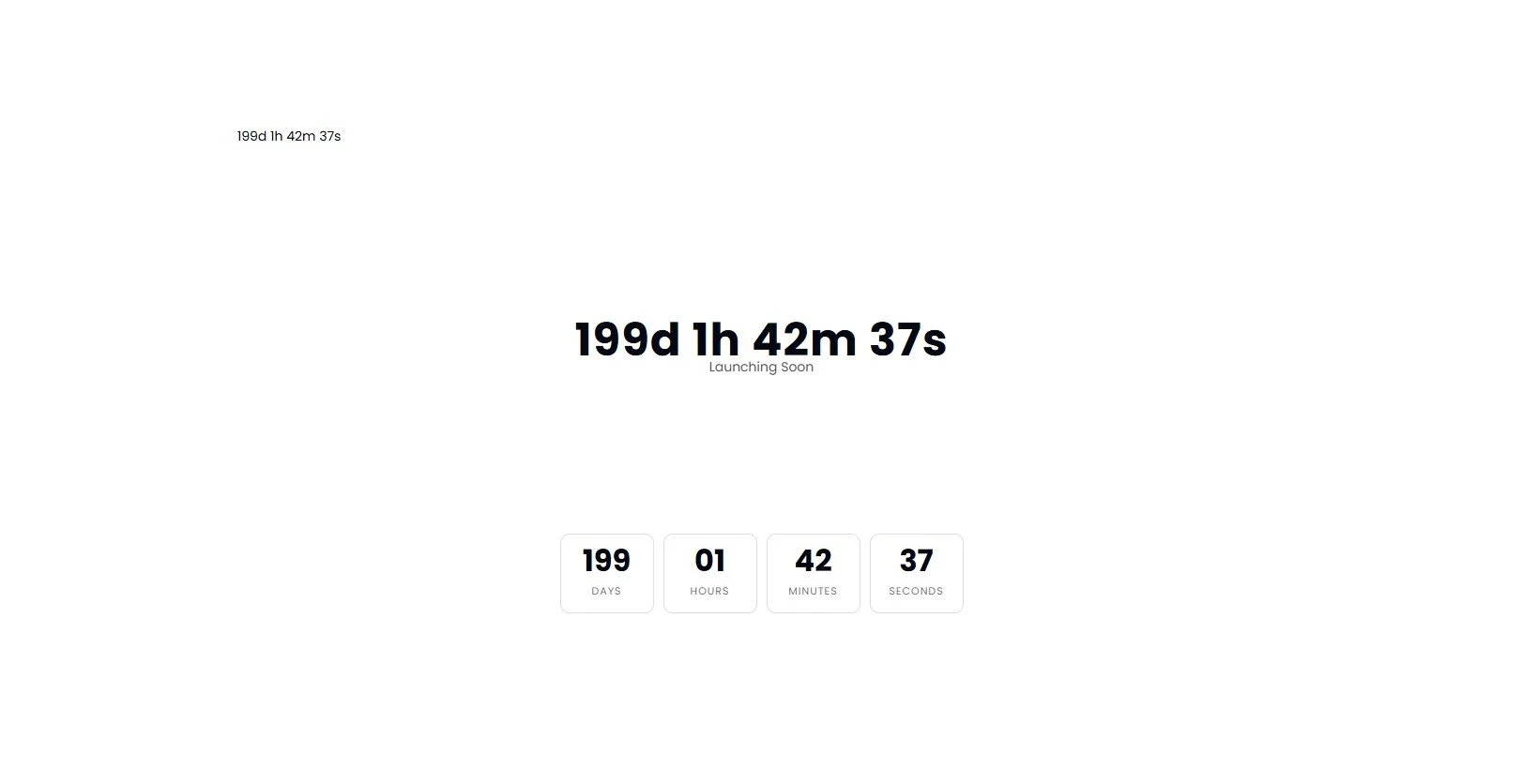
Add a Countdown Timer anywhere on a page
Add a countdown timer anywhere on your Squarespace page using a simple Code Block. Drive urgency for launches, promotions and events.


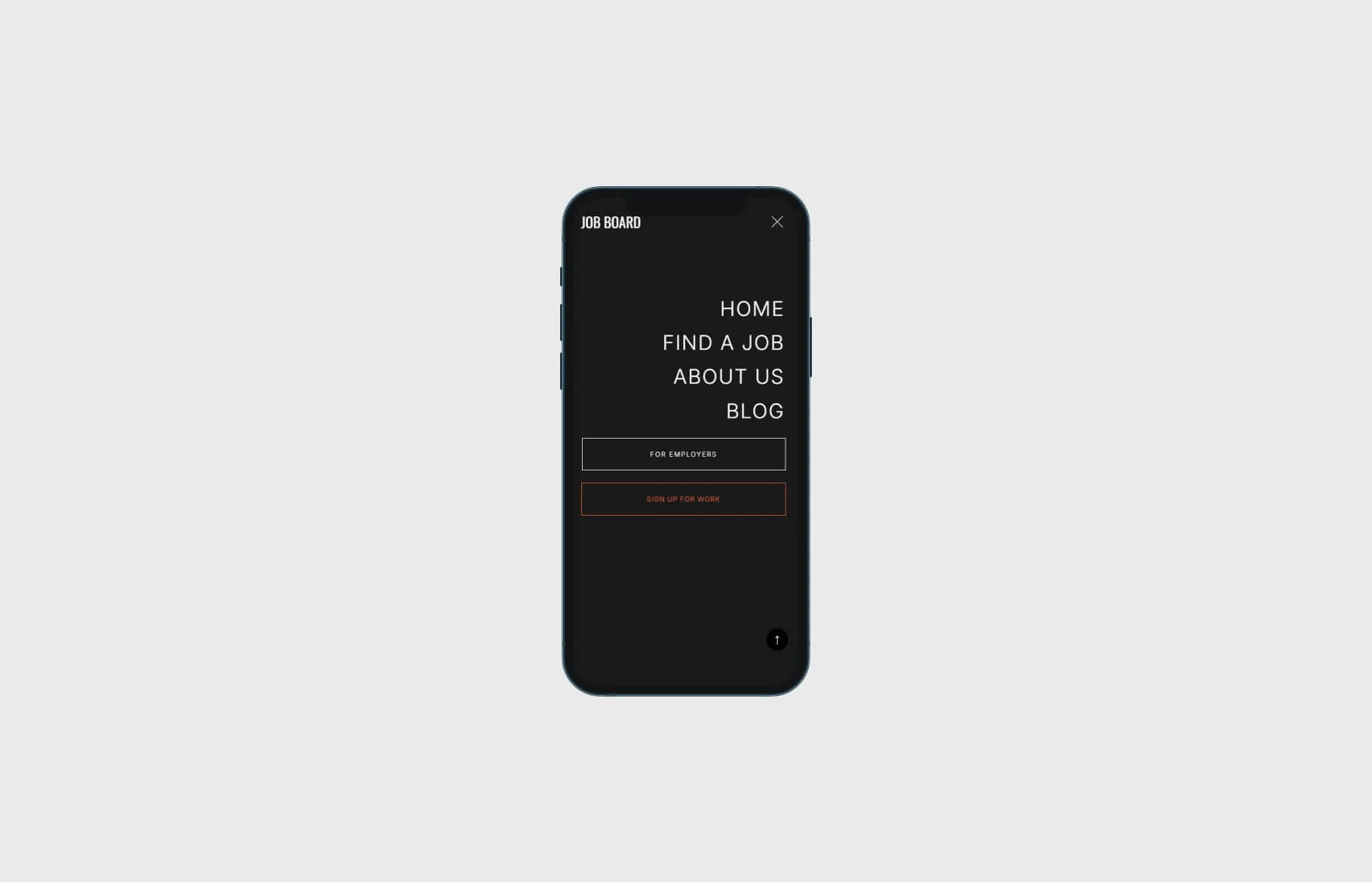


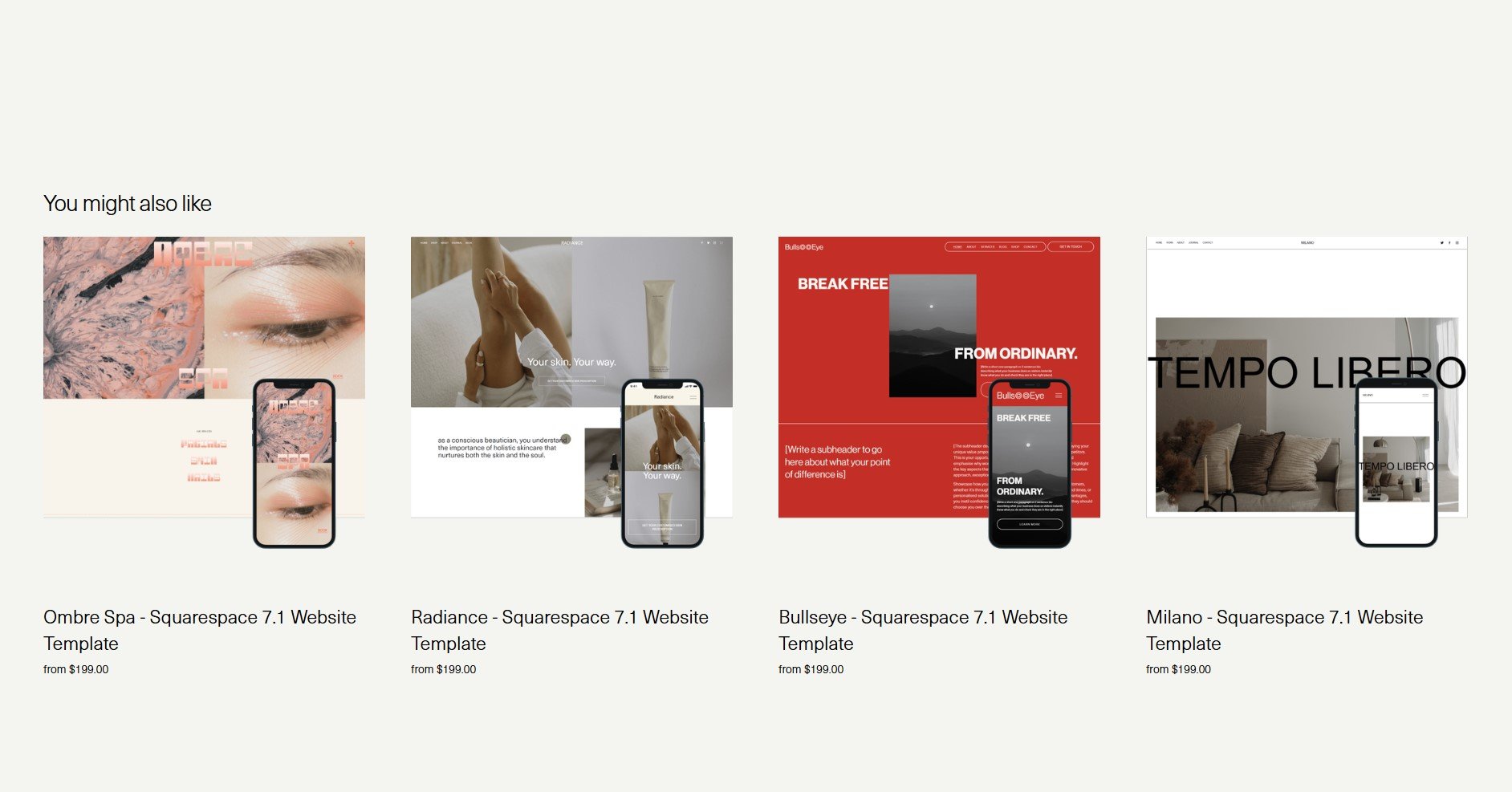
Limit the number of Related Products to One Row in Squarespace Commerce (V2)
Learn how to display only four related products in a single row on your Squarespace Commerce site using a quick CSS solution
BY CATEGORY


Want to launch your next big idea into the world? Our Squarespace templates are thoughtfully designed to help you get an elegant, high-conversion website without the hassle.