
Adding an <iframe> to your website is simple, but sometimes getting it to appear perfectly centred on the page can be tricky. Luckily, there are a few easy ways to do it with HTML and CSS.
Full Flexbox Centring (Horizontal & Vertical)
If you want the iframe perfectly centred both horizontally and vertically, flexbox is your friend:
<div style="display: flex; justify-content: center; align-items: center; width: 100%;">
  <iframe
   //iframe contents goes here //
  </iframe>
</div>
display: flex; enables flexbox layout.
justify-content: center; centres horizontally.
align-items: center; centres vertically.
height: 100vh; ensures the container fills the viewport for vertical centring.
Horizontal Centring Using text-align
The simplest method is to wrap your <iframe> in a <div> and use text-align: center:
<div style="text-align: center;">
  <iframe
       //iframe contents goes here //
  </iframe>
</div>
Make it Responsive
To make your iframe scale on smaller screens:
<div style="display: flex; justify-content: center;">
  <iframe
       //iframe contents goes here //

    style="width: 100%; max-width: 800px; height: 450px; border: none;">
  </iframe>
</div>
This ensures your iframe never exceeds 800px but will shrink for mobile screens.
Check out our library of code snippets and site enhancements.

Learn how to make a Squarespace Archive Block dropdown full width with a simple CSS snippet. Fix narrow blog category menus and improve dropdown usability.
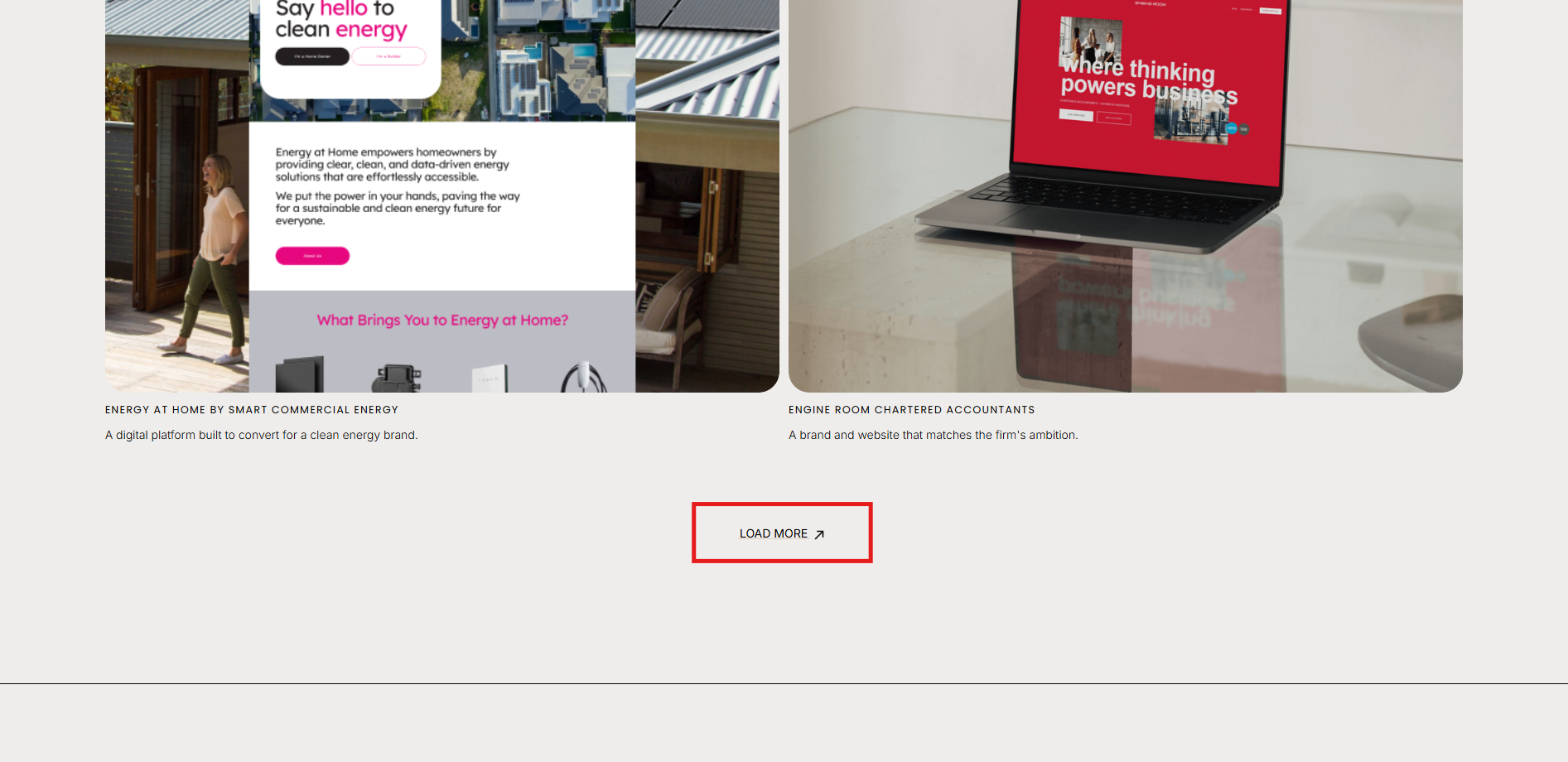
How to show / hide / reveal a Portfolio Section when you click a link or button in Squarespace. This code works when you cannot use the Anchor links functionality.
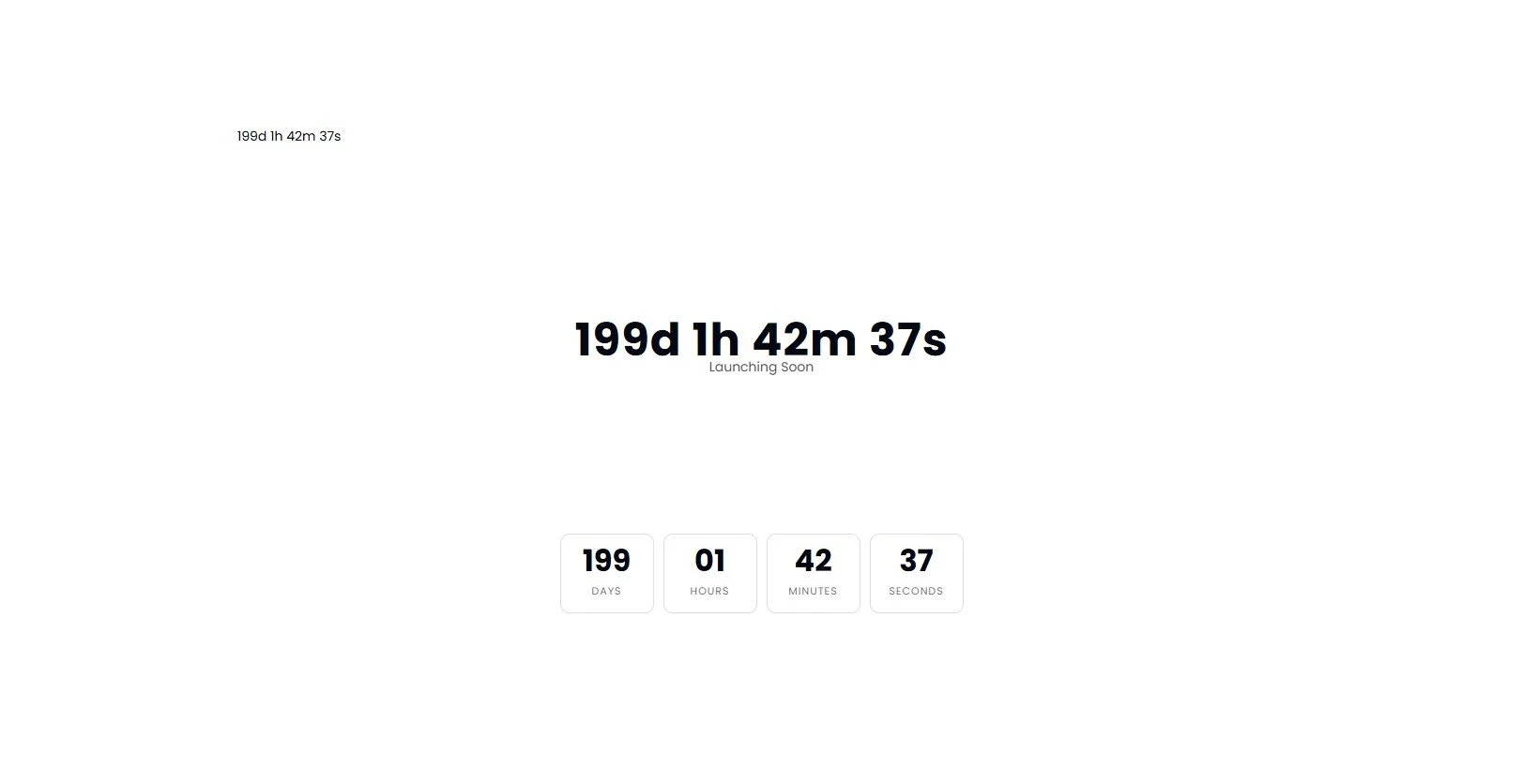
Add a countdown timer anywhere on your Squarespace page using a simple Code Block. Drive urgency for launches, promotions and events.


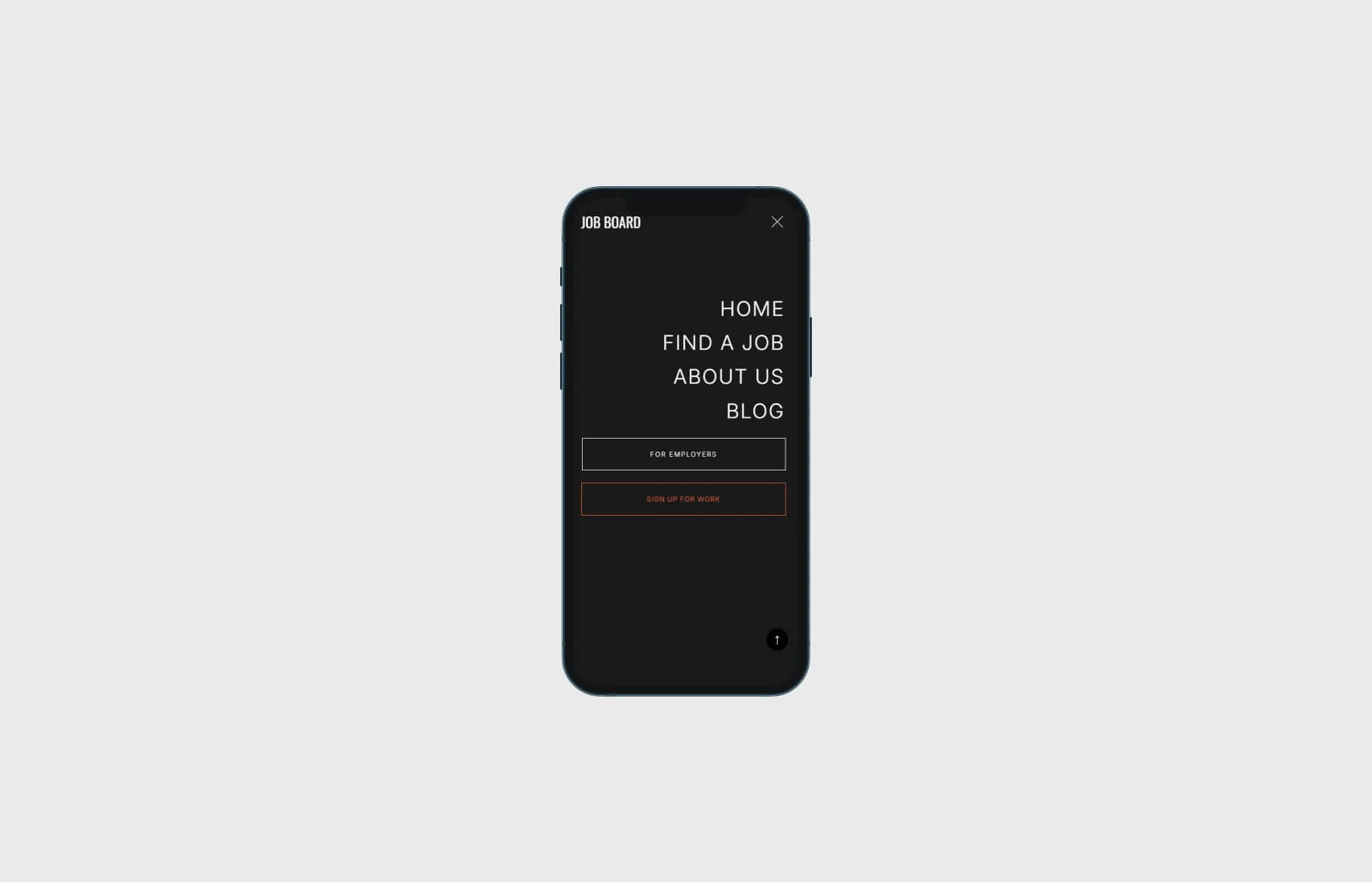


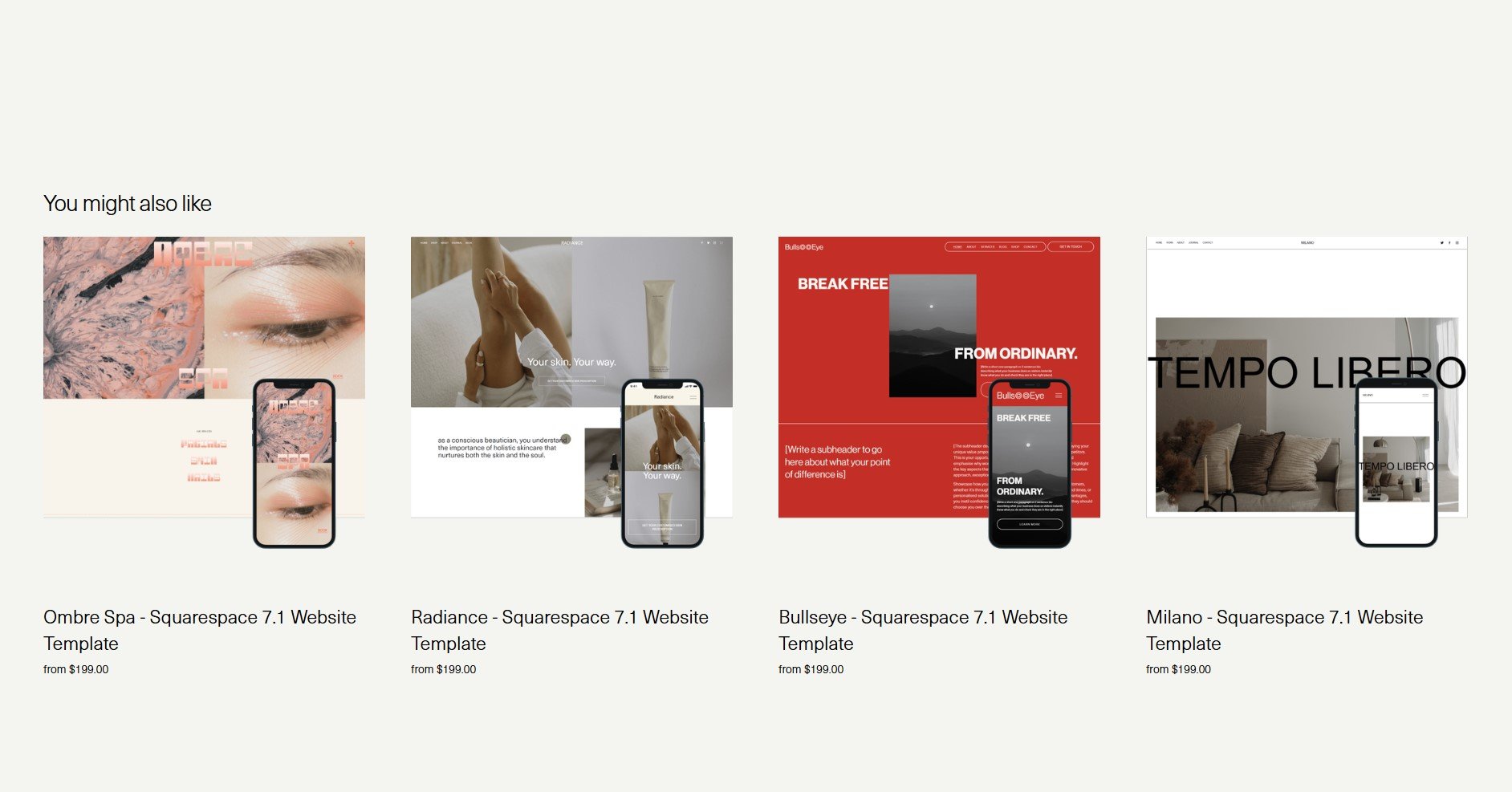
Learn how to display only four related products in a single row on your Squarespace Commerce site using a quick CSS solution



Learn how to apply irregular, organic image frames in Squarespace with a simple CSS snippet. Enhance your site's aesthetic with custom shapes.

Optimise your Squarespace shop for mobile: use custom CSS to stack categories and filters for a cleaner, more user-friendly experience.