Show / Hide a Portfolio Section when a link or button is clicked
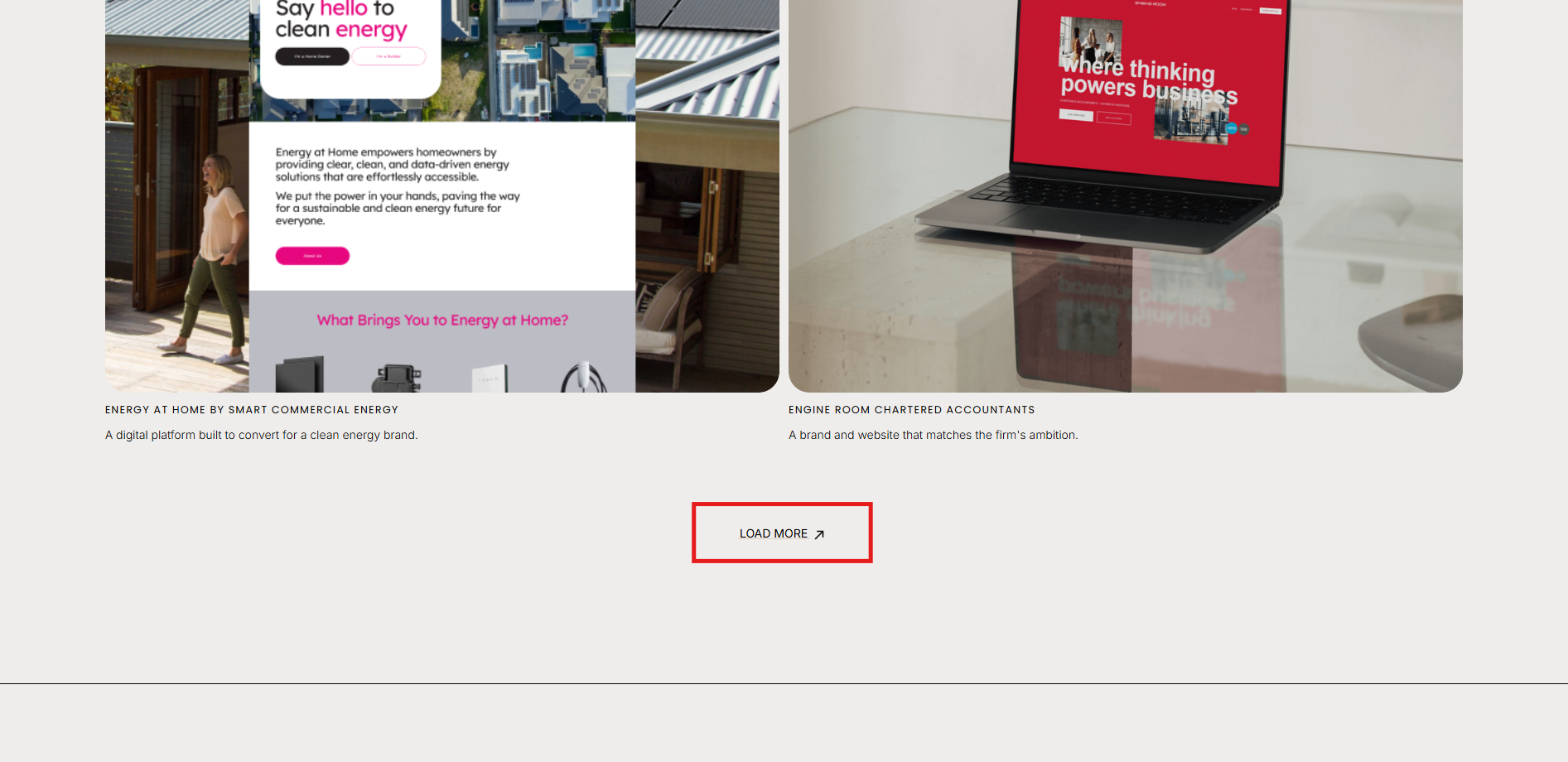
This code lets you showcase specific portfolio items in a section above the original Squarespace Portfolio page by adding a link that reveals the full portfolio to the user. This code makes the original portfolio section appear underneath. Once the “load more” button is clicked, the click link will disappear and the portfolio section will remain revealed.
Add a Section above the original Portfolio section with the specific projects you want to showcase.
Add a link or button to the new section with the URL: #load-more
Grab the main portfolio Section ID.
Add CSS to the Custom CSS area to hide the original portfolio with the ID you just grabbed.
Add the JavaScript to the Footer Injection.
Custom CSS + JavaScript
Add this code to Custom CSS to hide the section:
section[data-section-id="#################"] {
    display: none;
}
Then, add this code to Footer Injection:
<script src="https://ajax.googleapis.com/ajax/libs/jquery/3.7.0/jquery.min.js"></script>

<script>
$(document).ready(function() {
    $('a[href="#load-more"]').click(function(e) {
        e.preventDefault();
        $('section[data-section-id="#######################"]').show();
        $(this).hide();
    });
});
</script>
Check out our library of code snippets and site enhancements.