
When customising a Squarespace site, you may notice that the Archive Block or blog category dropdown doesn't span the full available width. This can make longer category names difficult to read and the dropdown feel cramped.
A simple CSS snippet fixes the issue by forcing the archive dropdown container to use the full width.
This snippet sets the minimum width of the Squarespace Archive Block dropdown to 100%, allowing the blog category selector to expand across the available space.
To make the block full width in mobile view, simple drag the block to span the full width of the screen.
Custom CSS
Simply add the CSS to Design → Custom CSS, save your changes, and refresh your site to see the updated dropdown width.
 .archive-block-setting-layout-dropdown.archive-block-wrapper {
  min-width:100%!important;
}
Check out our library of code snippets and site enhancements.
Learn how to make a Squarespace Archive Block dropdown full width with a simple CSS snippet. Fix narrow blog category menus and improve dropdown usability.
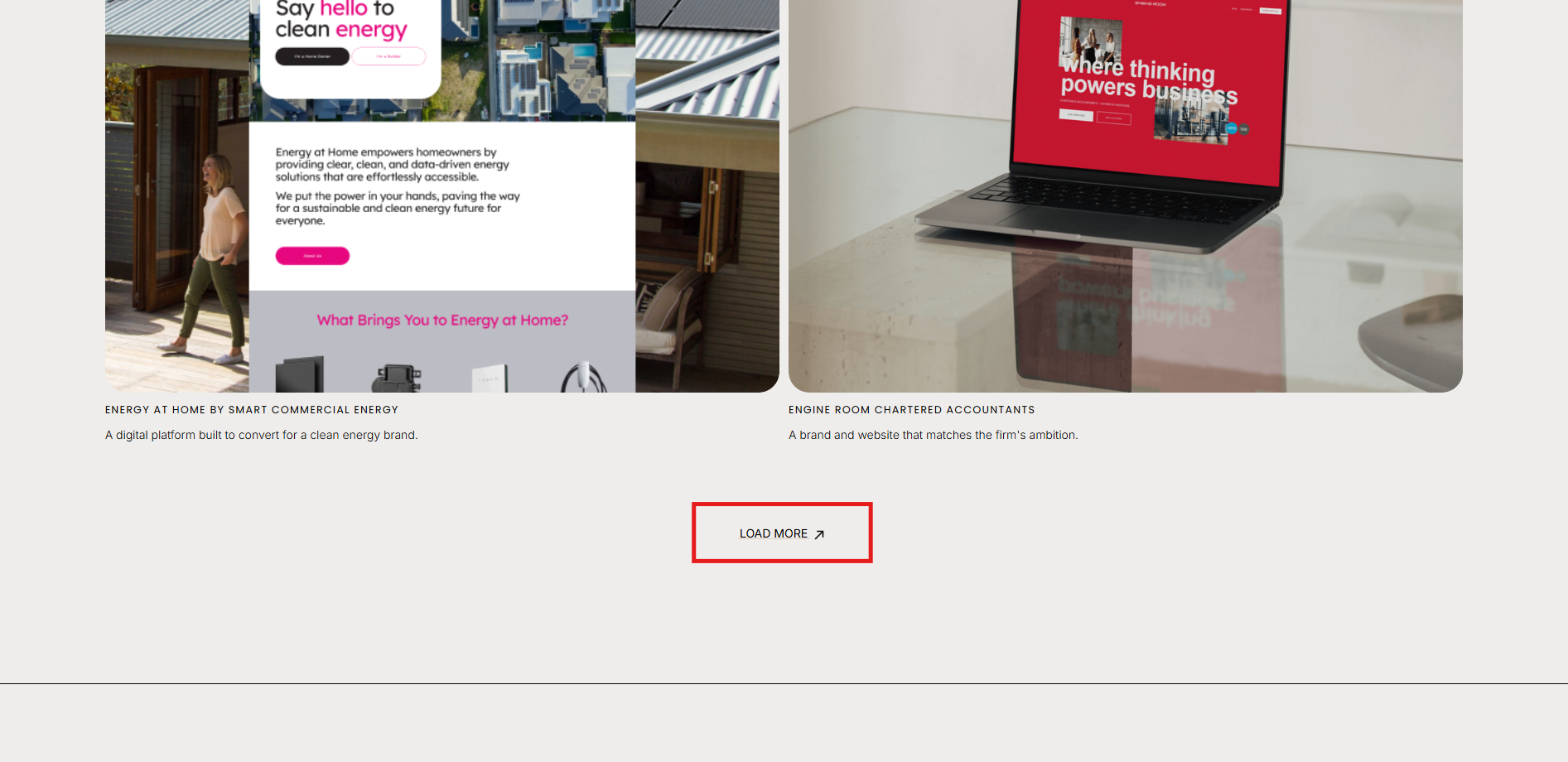
How to show / hide / reveal a Portfolio Section when you click a link or button in Squarespace. This code works when you cannot use the Anchor links functionality.
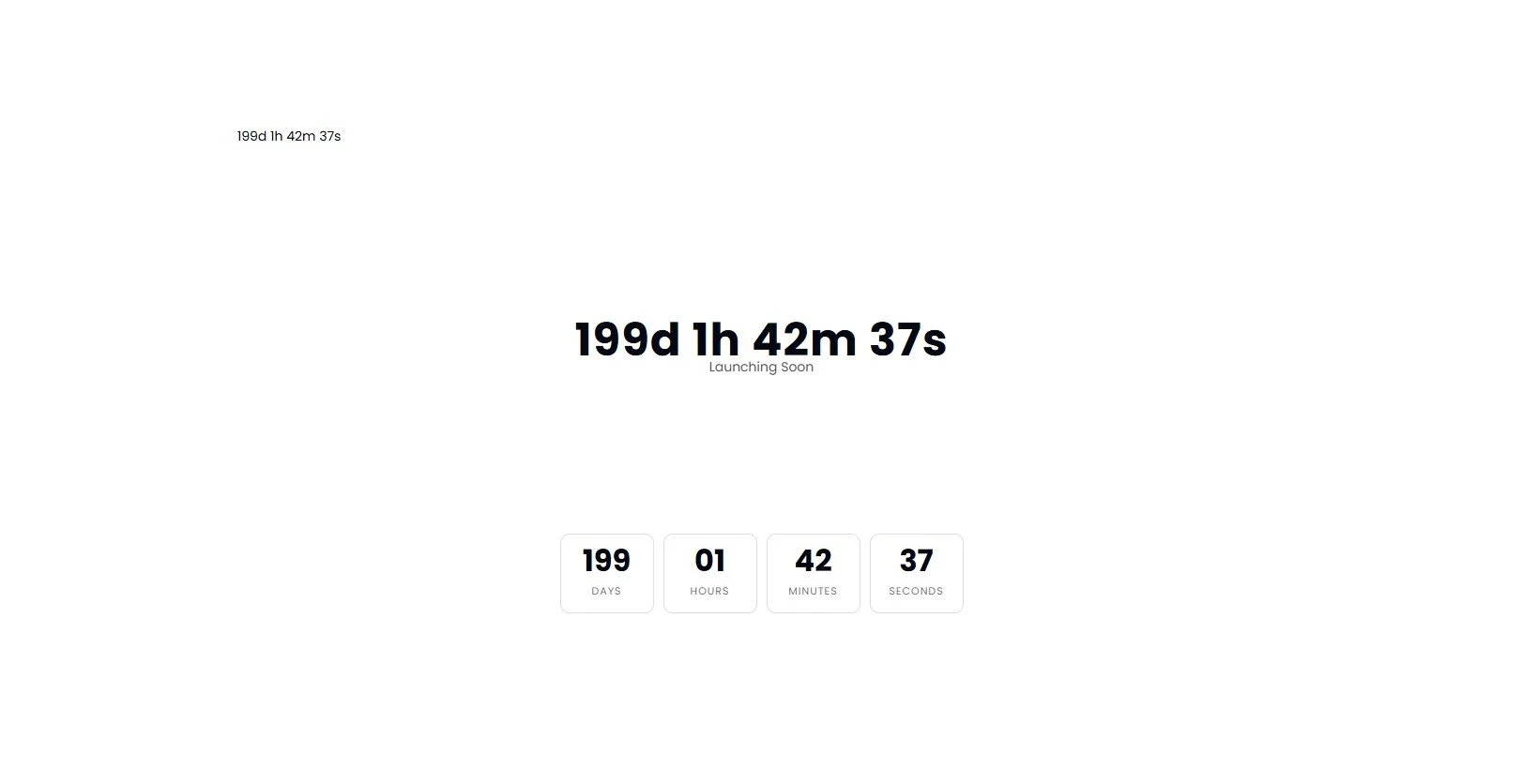
Add a countdown timer anywhere on your Squarespace page using a simple Code Block. Drive urgency for launches, promotions and events.


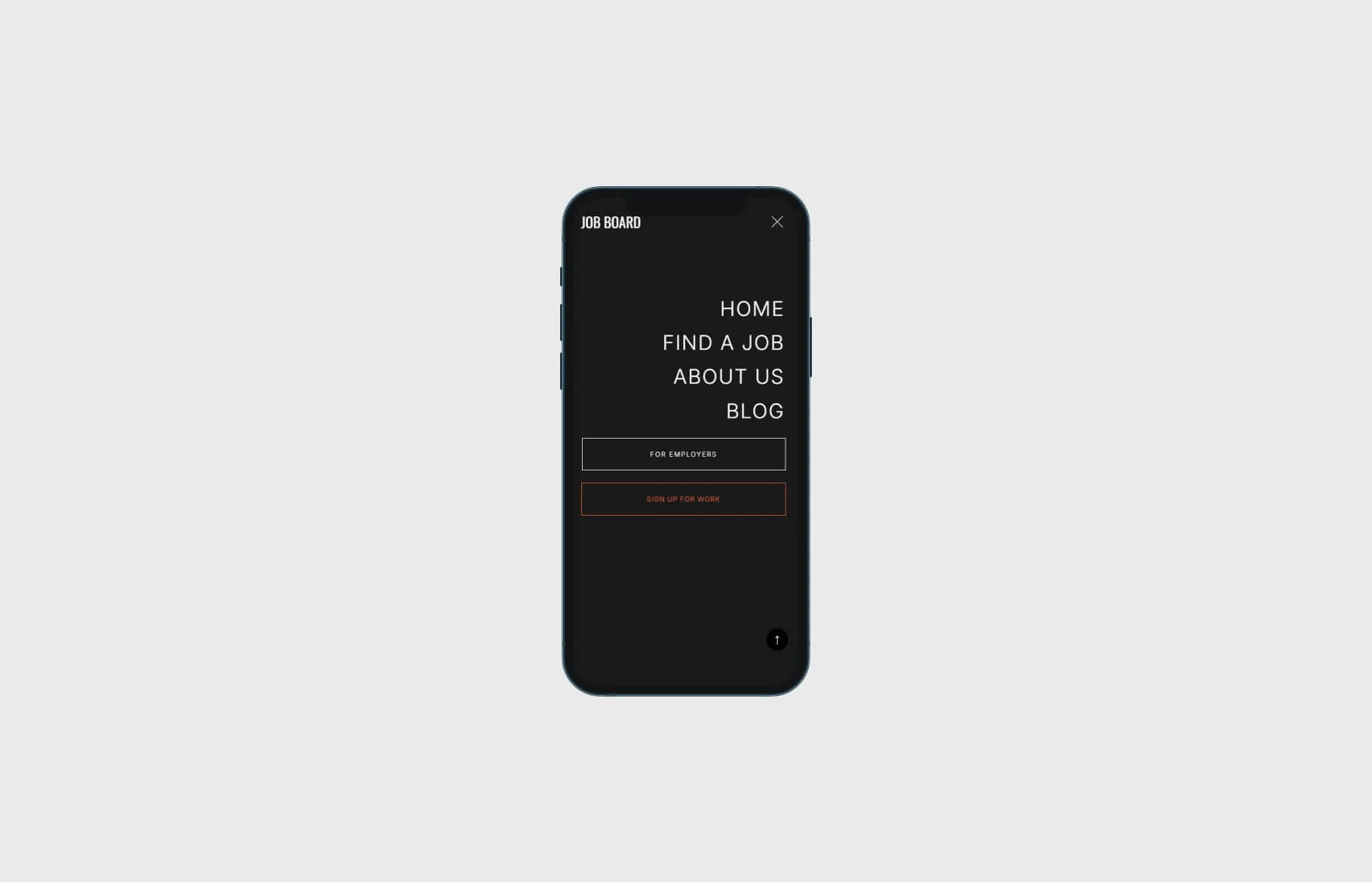


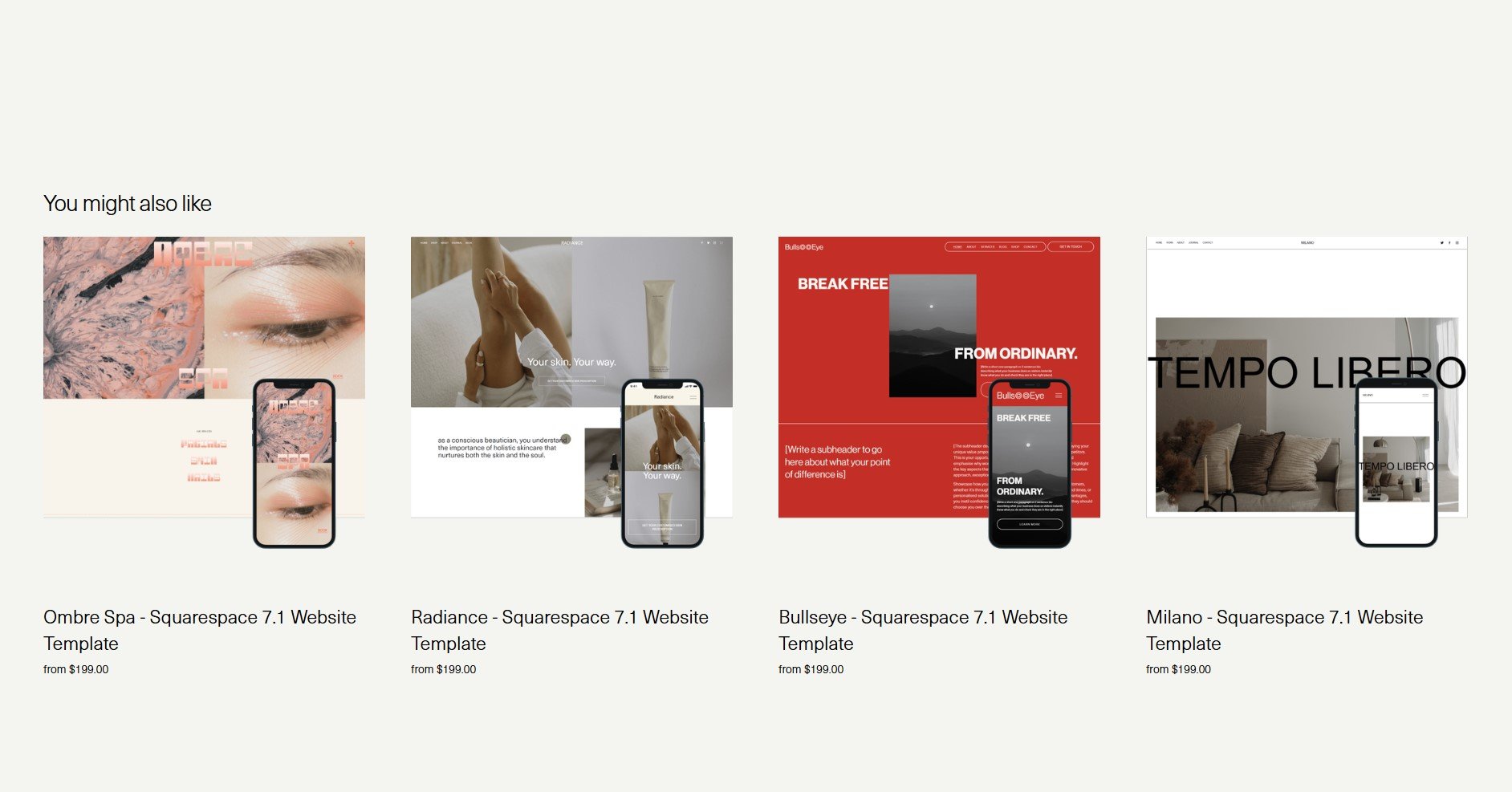
Learn how to display only four related products in a single row on your Squarespace Commerce site using a quick CSS solution



Learn how to apply irregular, organic image frames in Squarespace with a simple CSS snippet. Enhance your site's aesthetic with custom shapes.

Optimise your Squarespace shop for mobile: use custom CSS to stack categories and filters for a cleaner, more user-friendly experience.