Image 1 of 6
 Image 2 of 6
 Image 3 of 6
 Image 4 of 6
 Image 5 of 6
 Image 6 of 6
Your business has enough moving parts. Keeping track shouldn’t be another job.
You’re delivering the work, answering enquiries, planning what comes next and remembering a hundred small things that nobody else sees.
Which client needs a follow-up. Where the meeting notes went. What you meant to publish. How you handled that same task last month.
Business OS brings your clients, projects, marketing and processes into one editable Notion workspace, so you can see what needs your attention and get on with it.
Less searching. Less remembering. A clearer way to run your business.
Get the details out of your head and into your business.
Know where things stand with your clients.
Keep accounts, contacts, enquiries and project information organised. Find the notes you need before a call and pick up the conversation with the context in front of you.
Make the next step clear.
Turn loose to-dos into tasks with owners and due dates. Keep upcoming work visible so your day doesn’t have to start with rebuilding a list from memory.
Give good marketing ideas somewhere to go.
Bring content, campaigns and offer planning together. Return to the ideas worth developing and keep track of what you’re preparing to publish.
Stop explaining the same process from scratch.
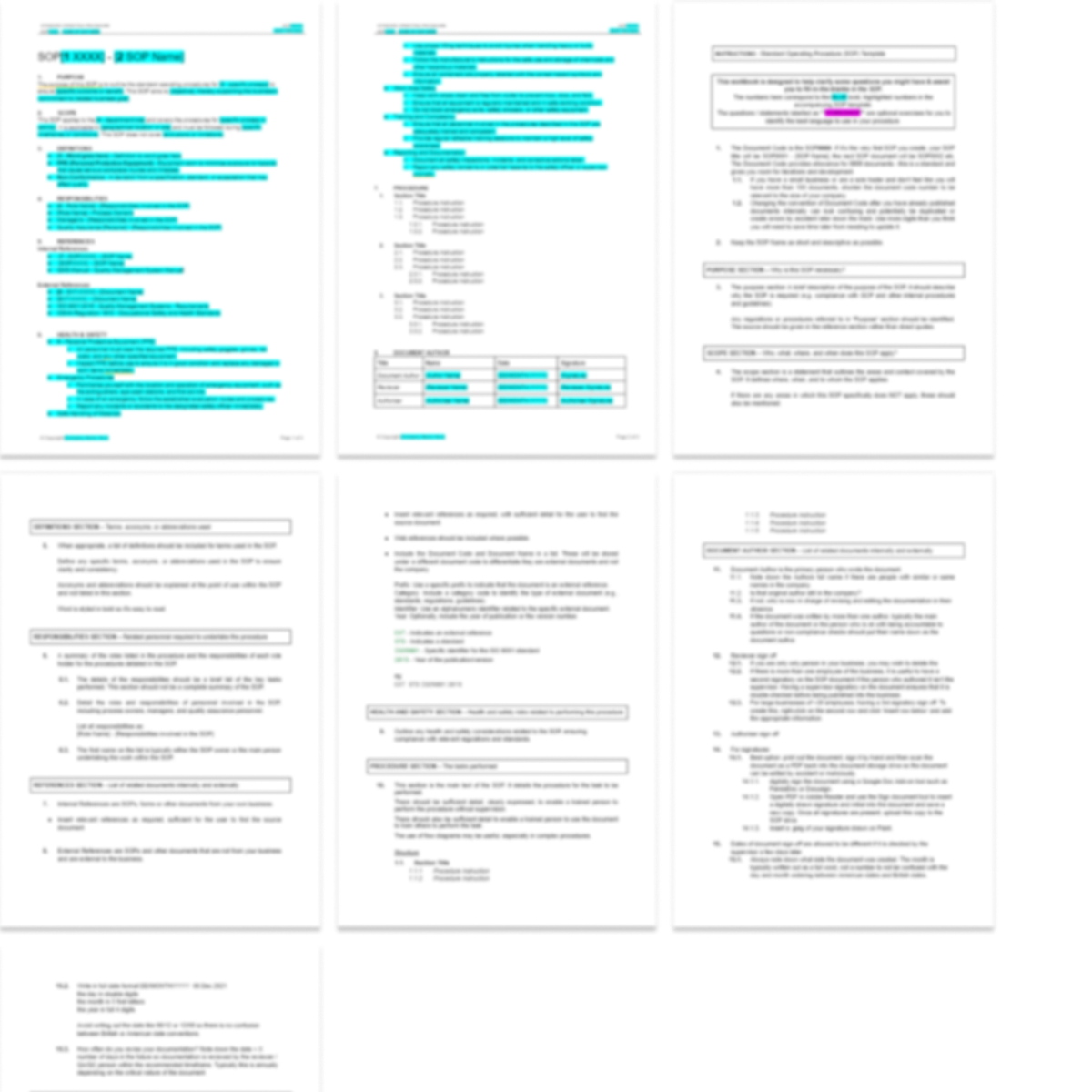
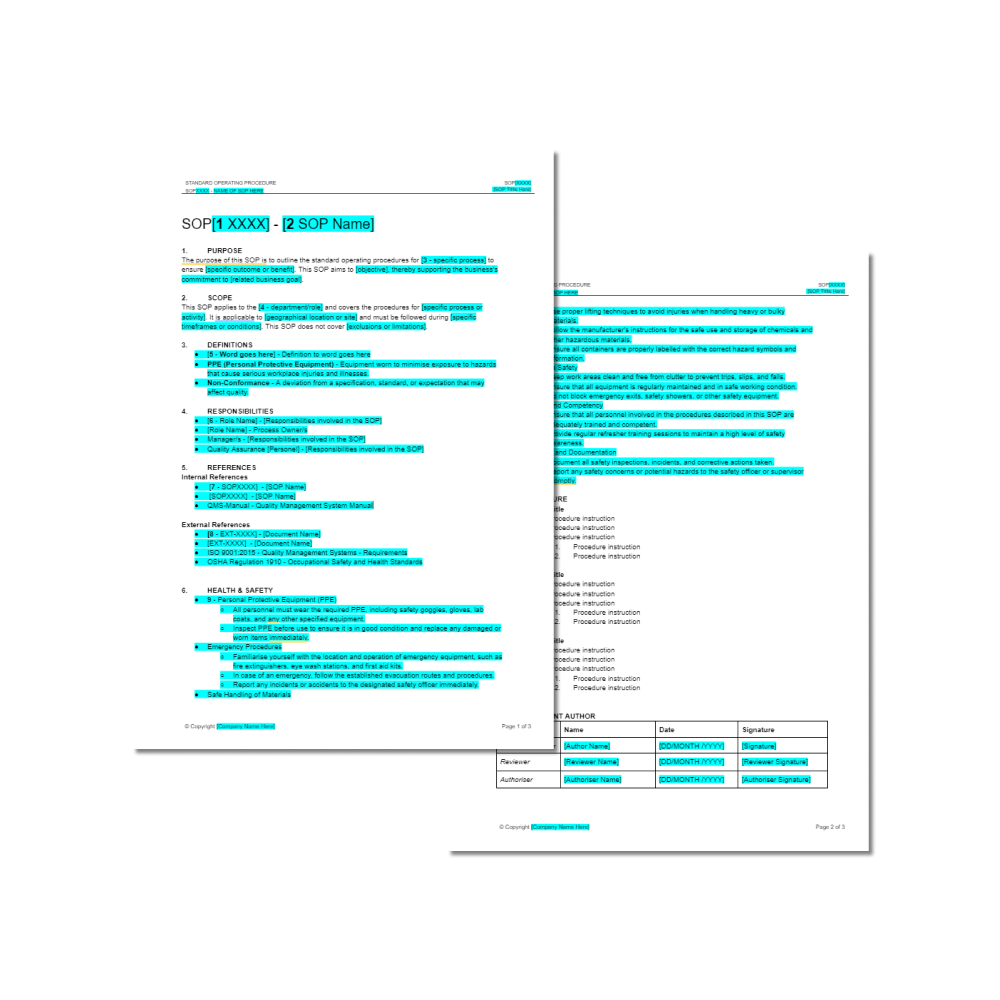
Use the SOP frameworks to document recurring work and organise the resources that support it. Build instructions you can use again and share when someone else steps in.
Keep sight of what you’re building.
Organise your services, products, goals and business plans alongside your day-to-day work. Give longer-term priorities a place beyond the next urgent task.
WHAT'S INSIDE BUSINESS OS?
An editable Notion workspace covering the everyday work of running your business.
Clients & projects
Client accounts, contacts, a project pipeline and meeting notes to keep your relationships and work organised.
Services & products
Separate spaces to organise your service offers, product information and ideas for development.
Tasks & planning
A task database, yearly planning pages, goals and KPI areas to organise priorities and track what needs doing.
Processes & resources
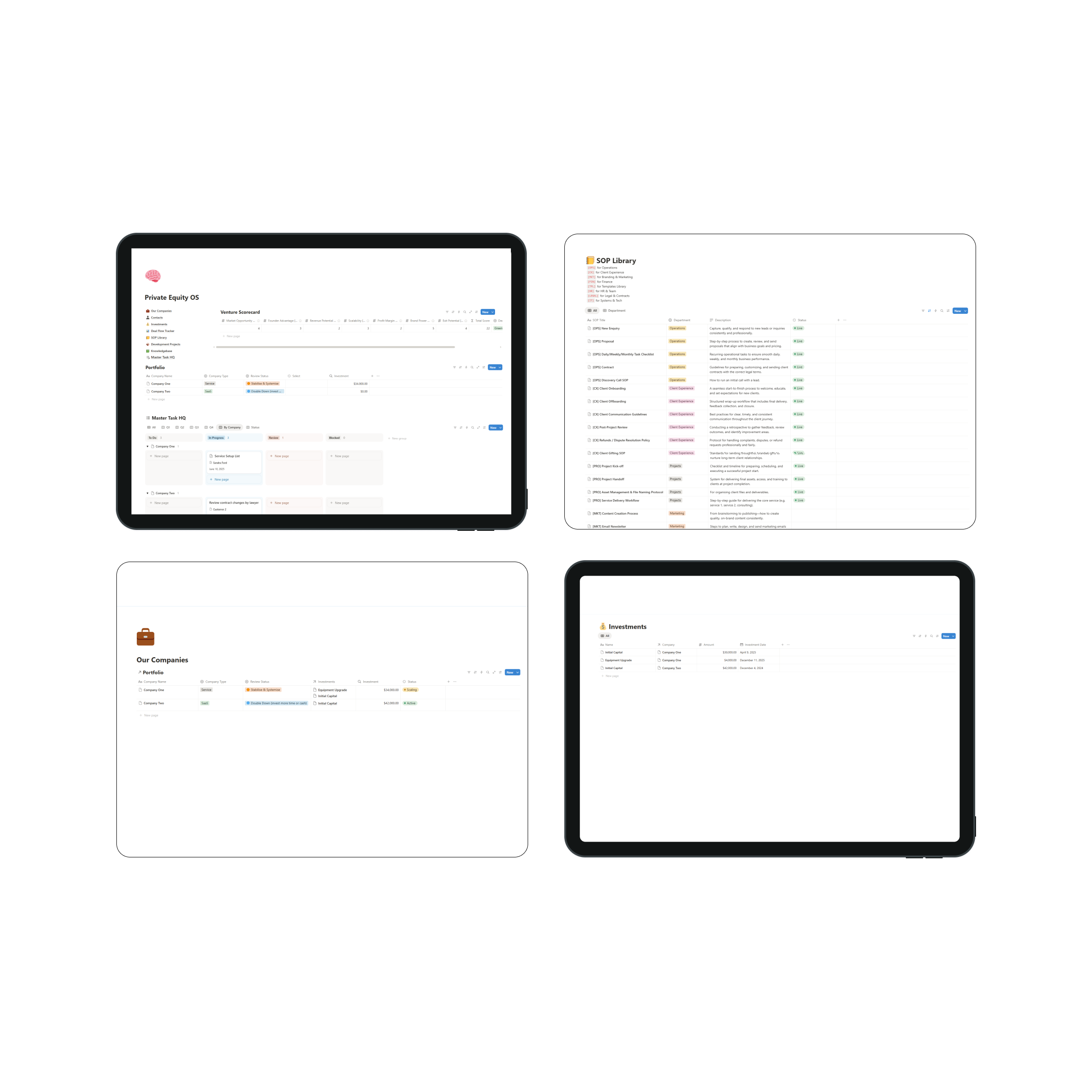
An SOP library with editable frameworks and example material, plus document, email template and knowledge libraries to build out for your business.
Marketing & content
A content calendar and dedicated areas for campaigns, website and SEO planning, branding and email marketing.
Business administration
Areas for budgets, expenses, financial references, business records and legal information.
Customise the pages, add your information and shape the workspace around how you work.
FAQ
-
Business OS is an editable Notion template for organising the operational side of your business. It includes areas for clients, projects, tasks, marketing, planning, processes and business administration.
-
The workspace includes client accounts and contacts, a project pipeline, task management, meeting notes, planning pages, a content calendar, campaign planning, product and service areas, SOP frameworks, document libraries and business administration sections.
Some areas provide a structure for your own information and procedures. You will need to personalise these for your business.
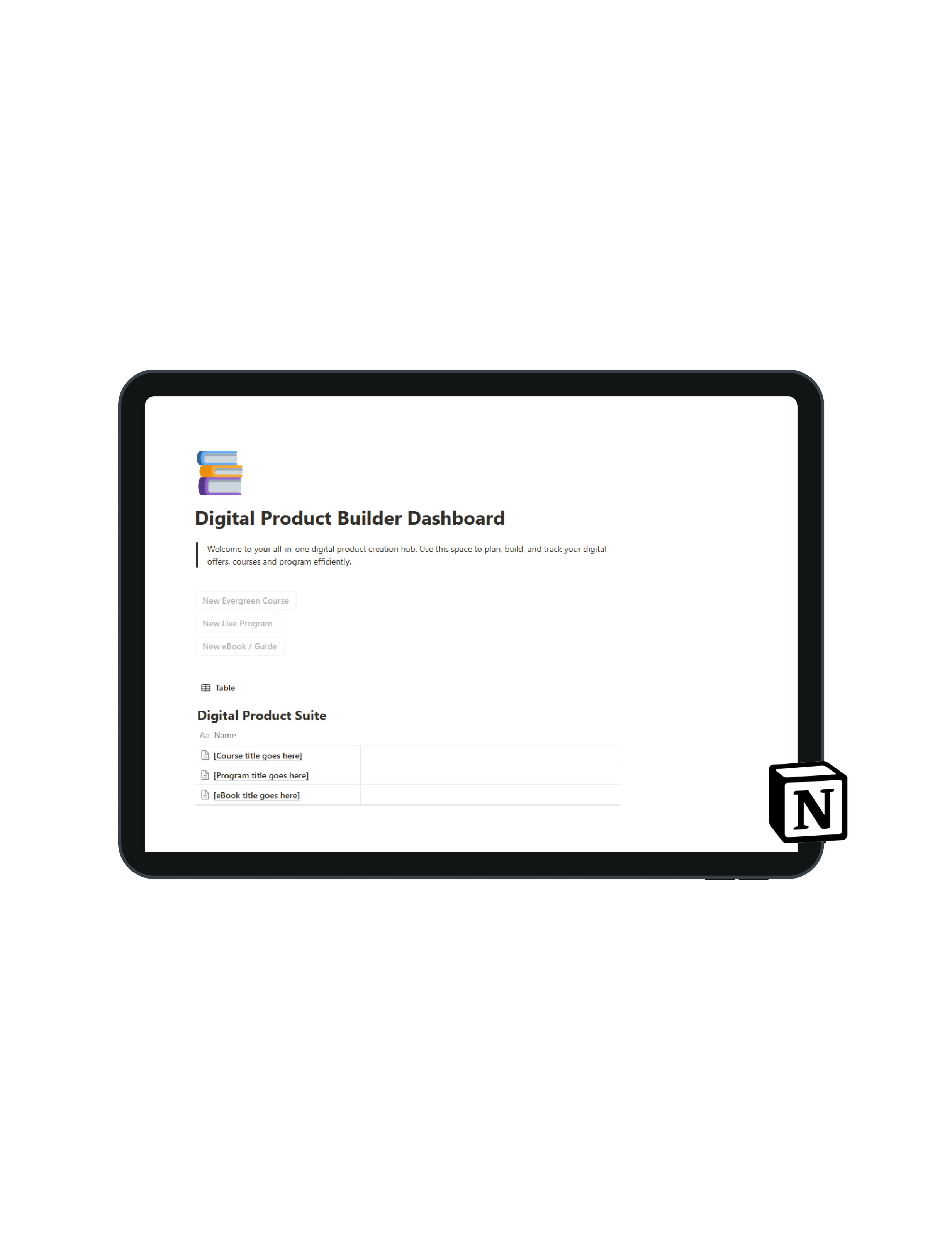
Dashboard:
KPIs
Finance
Project Pipeline
Leads Database
Client Accounts database
Contact Database
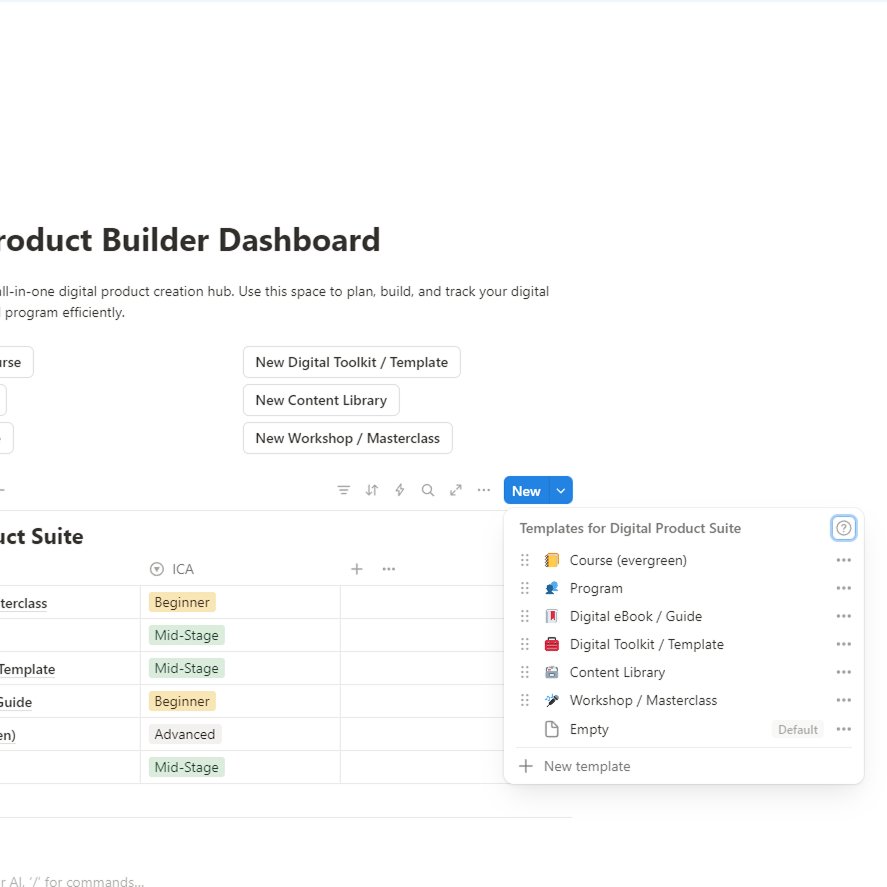
Product Suite Database
Service Suite Database
Knowledgebase Database
Icebox Database (for internal business tasks)
Task Database (for project tasks)
Tech Stack Database
SOP Manual + SOP template
Tech Stack Database
Meeting notes Database
Docs Database
Email Templates Database
Archive Database
Legal:
Company Structure notes
Corporate Minutes Book
Legal Contracts Database
IP notes
Marketing:
Marketing Campaigns Database
Content Calendar Database
Website & SEO Database
Email Marketing
Finance:
PnL
Cashflow
Budgeting Database
Expenses Database
-
Business OS is best suited to independent business owners, freelancers, consultants and small service businesses managing client work alongside their own marketing and operations.
The product and service areas also provide space to organise multiple offers.
-
Basic familiarity with Notion will help. You should be comfortable editing pages, adding database entries and adjusting views.
If you are new to Notion, allow time to learn those basics while setting up your workspace.
-
Yes. You can rename pages, edit content, adjust database views and tailor the workspace to your business.
Start with the existing structure, then make changes as you become familiar with how the different areas work.
-
Duplicating the template is the first step. Adding your business information and tailoring the workspace takes longer, depending on how much you want to organise.
Begin with your current clients, active projects and upcoming tasks. You can build out the remaining areas gradually.
-
The workspace includes SOP frameworks and example material for developing your own procedures.
You will need to review, adapt and complete them to reflect your responsibilities, tools and way of working.
-
The template provides a structure for organising information and managing work. Purchasing it does not automatically connect your tools or set up email, payment or client onboarding automations.
-
You will still need your existing tools for accounting, payments, email and file storage.
The business administration areas help you organise relevant information and references within your workspace.
Start with this week. Build from there.
Duplicate the template into Notion, add your active clients and projects, and capture what needs doing next.
You can use it before every section is filled in. Add your marketing plans, documents and processes as they become relevant.
Start using the structure now. Refine it as you work.
For business owners wearing more than one hat.
Business OS is designed for independent business owners, consultants, freelancers and small service teams balancing client delivery with the work of growing and running a business.
If you want to see your work more clearly, keep important information within reach and make recurring tasks easier to hand over, this is a practical place to begin.